
Pulsar OS · Published edition
Bitten Fruit
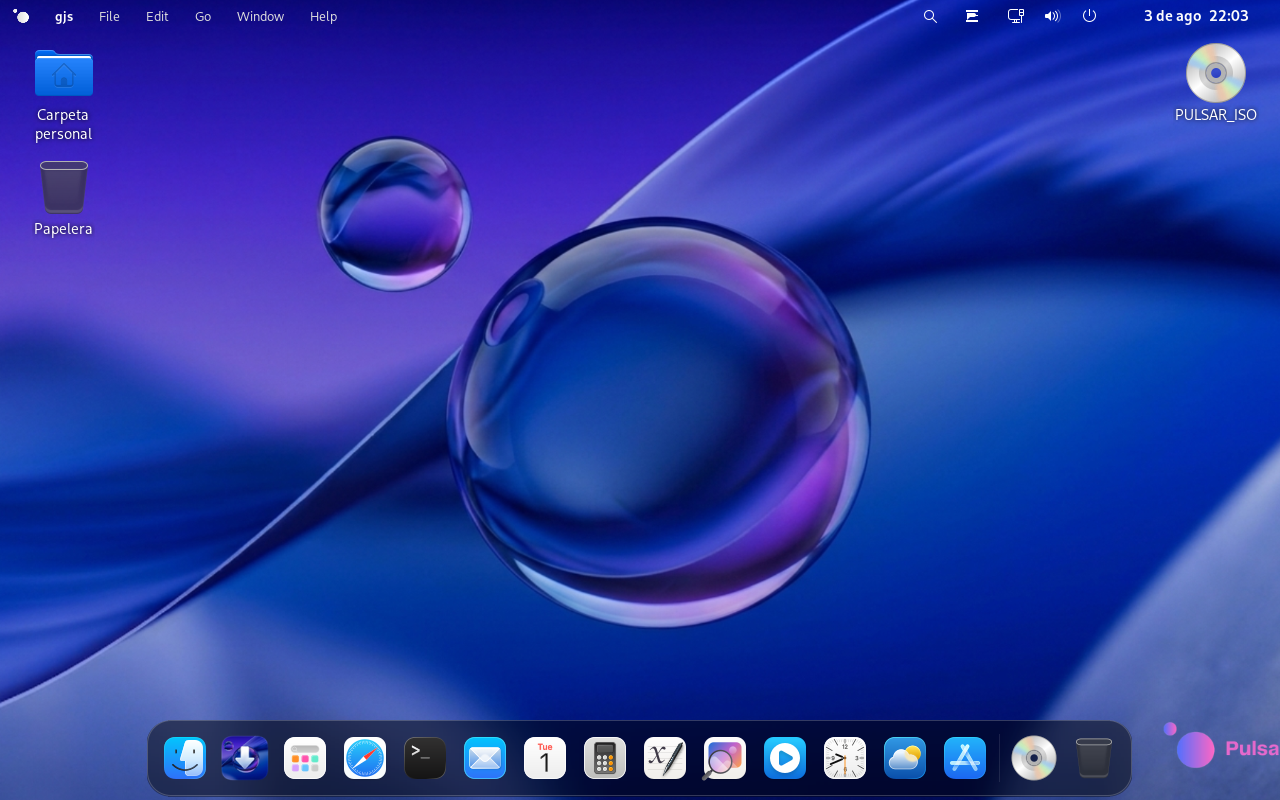
The macOS experience on Linux. Same desktop, same flow you already know, the whole flow and not just a theme, with the full freedom of Linux.
What you actually get
The whole macOS flow
Top bar, dock, gestures, Finder-style file manager, Spotlight search and window management, rebuilt and not skinned.
Session restore
Choose “save session” when you shut down and your windows come back exactly as they were, even after a power loss.
Sayri AI assistant
A local-first assistant built into the desktop: connect any provider, run local models, sandboxed execution.
One app store
Pulsar Store bridges apt, pacman, AUR and Flathub, so you install what you want without touching a terminal.
Keep going
The edition’s full website lives at bittenfruit.inled.es.
Open bittenfruit.inled.es